Log in to ScanApp, then follow these steps.
Open your dealership menu
Click the dropdown next to your dealer name.
Select “Manage subscription”
Choose Manage subscription from the dropdown.
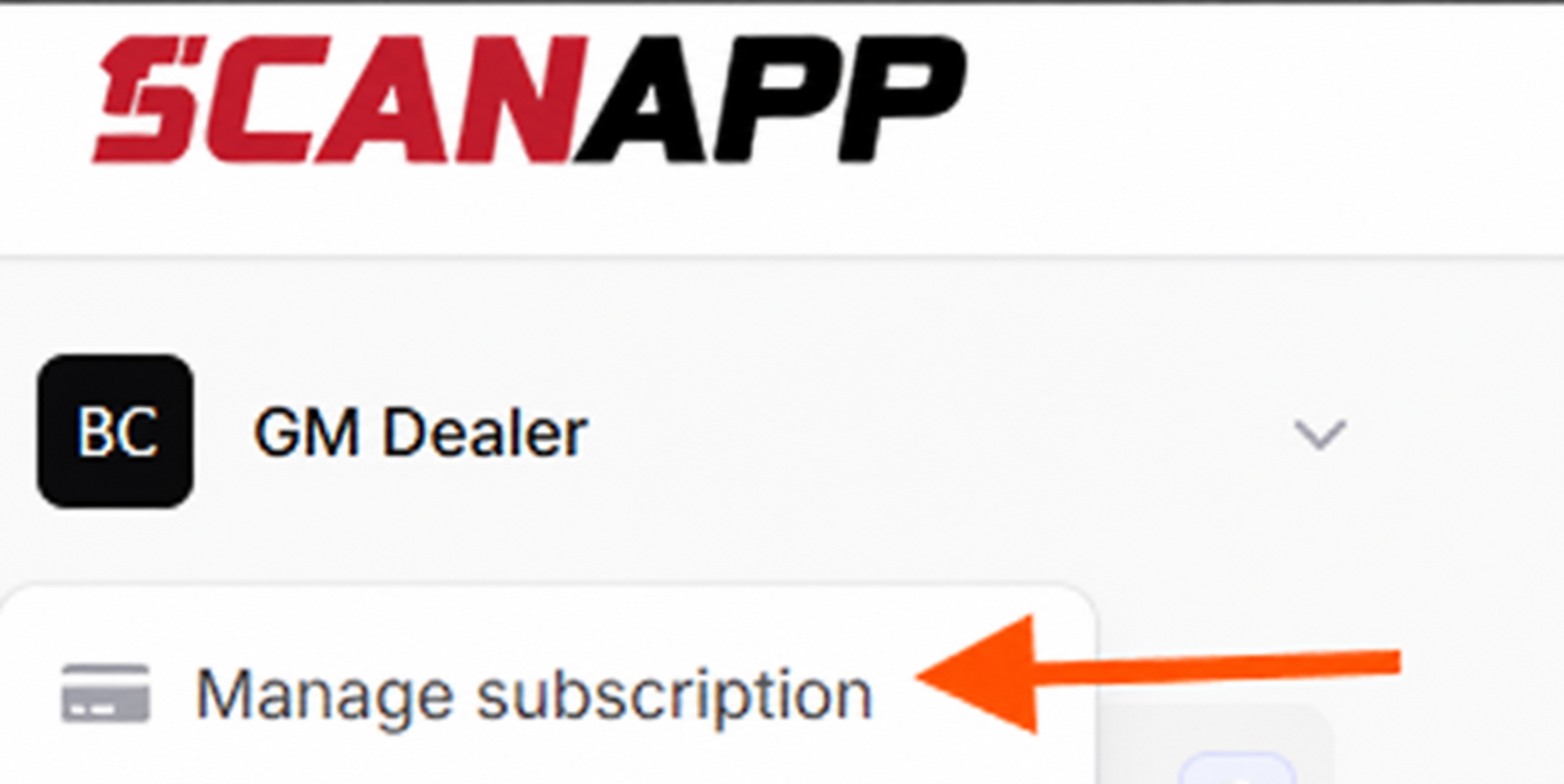
Select Manage subscription from your dealership menu. Add your new card
Select Add payment method and add a new card.