What is a GM LPO?
A General Motors Limited Production Option (LPO) is a dealer-installed accessory or accessory package ordered with the vehicle. LPOs are tied to the vehicle order and ultimately to a specific VIN, but the physical parts still have to move through the dealership after shipment.
That creates an operational problem: Parts needs to know what has shipped, what has arrived, where it is stored, what is still outstanding and whether the part has been issued for installation.
Why GM LPO tracking becomes difficult
Dealerships often create their own process around spreadsheets, shared documents, labels, paper, bins or local knowledge. Those methods can work at low volume, but every manual handoff creates another place where status can become stale or the physical part can become difficult to locate.
The real question is not simply whether an LPO was ordered. The dealership needs a reliable answer to five questions:
- Has GM shipped it? Identify LPOs currently in transit.
- Has Parts received it? Record the physical receipt against the VIN.
- Where is it? Keep the VIN and part information attached to the physical item.
- Has it been issued? Track movement from Parts to Service and optionally record the repair order.
- What remains outstanding? See received, issued and remaining quantities without rebuilding the answer manually.
Why keep LPOs outside operational DMS inventory?
LPOs are not ordinary stocking inventory. They are vehicle-specific parts waiting for installation. ScanApp maintains the LPO record digitally outside normal operational DMS inventory while still giving the dealership the visibility and accountability needed to manage the physical parts.
How ScanApp manages GM LPOs
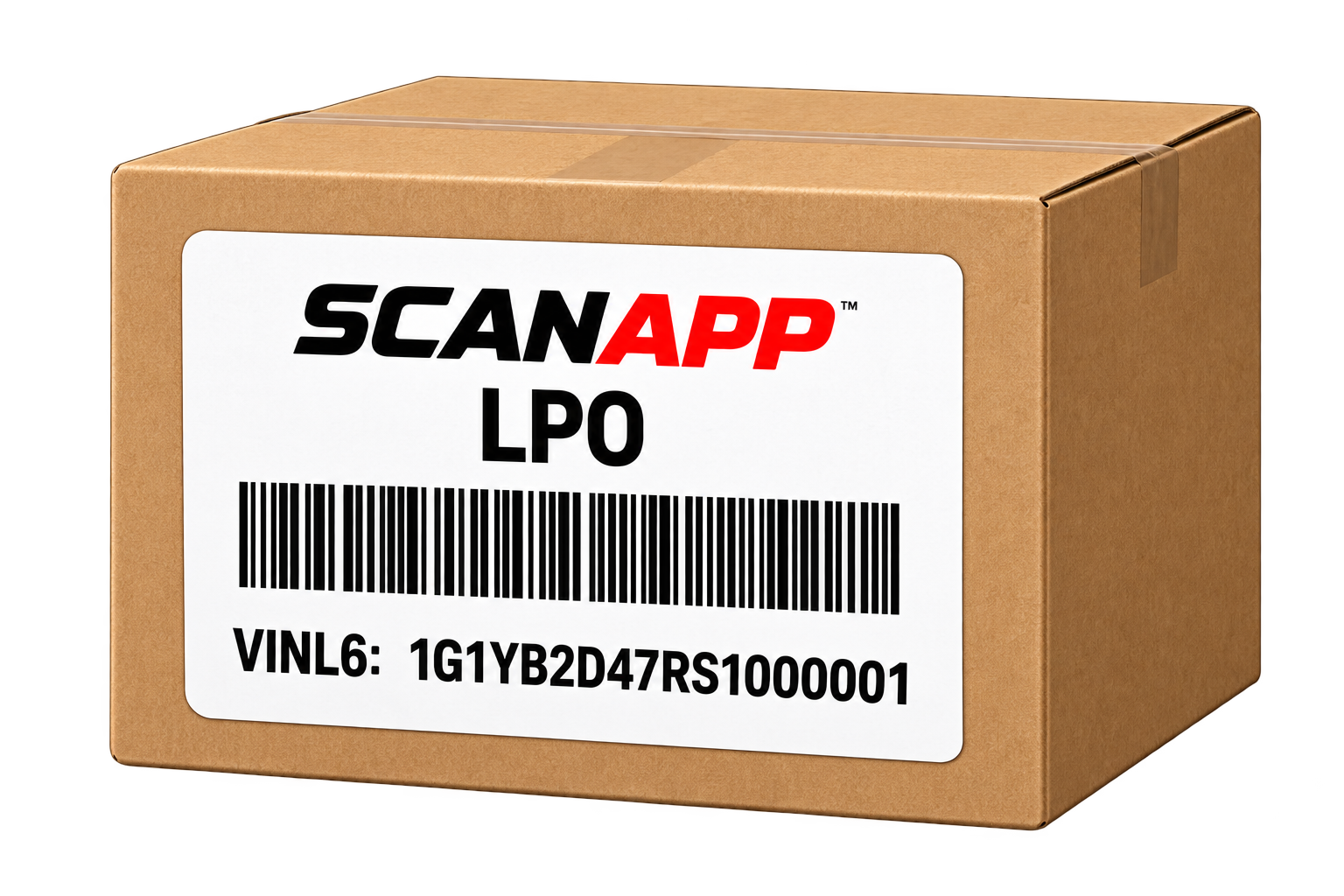
ScanApp uses GM shipment information to identify incoming LPOs, then tracks receipt and optional issuance by VINL6. An optional label can place VINL6, part information and a barcode directly on the received part so the physical item remains tied to its digital record.
Received and Issued LPOs can be reviewed separately or together. A Shipped but Not Received view shows LPOs still in transit, and the digital record remains available for historical review.
Replace the spreadsheet with a controlled LPO workflow.
See the complete ScanApp LPO workflow, including receiving, labeling, tracking and issuance.
 EXPLORE LPO MANAGEMENT